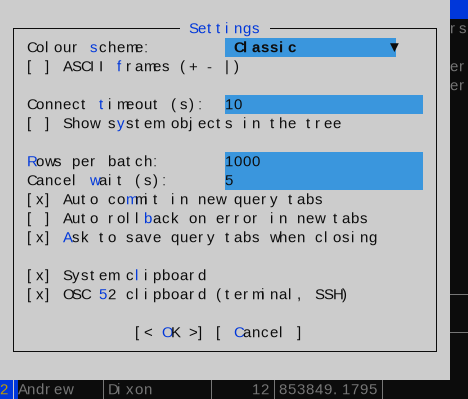
connect_timeout of every session pgtc opens (1 – 3,600).
Show system objects in the tree
off
Adds the pg_toast and temporary schemas, template databases, the pg_* roles and extension members. Also applies to Find object.
Rows per batch
1000
Rows read before a result is paused (1 – 1,000,000). See Large results.
Cancel wait (s)
5
Time after a cancel request before pgtc offers to close the session (1 – 3,600). See Cancelling.
Auto commit / Auto rollback on error
on / off
Initial state of new query tabs only; open tabs keep theirs (Query menu).
Ask to save query tabs when closing
on
Off: unsaved text is discarded without a question — also on quit and disconnect.
System clipboard
on
The clipboard of the host pgtc runs on.
OSC 52 clipboard (terminal, SSH)
on
Copy also goes to the terminal as an OSC 52 sequence — what makes copy work over SSH (Copy and paste). Turn off if the terminal prints garbage on copy.
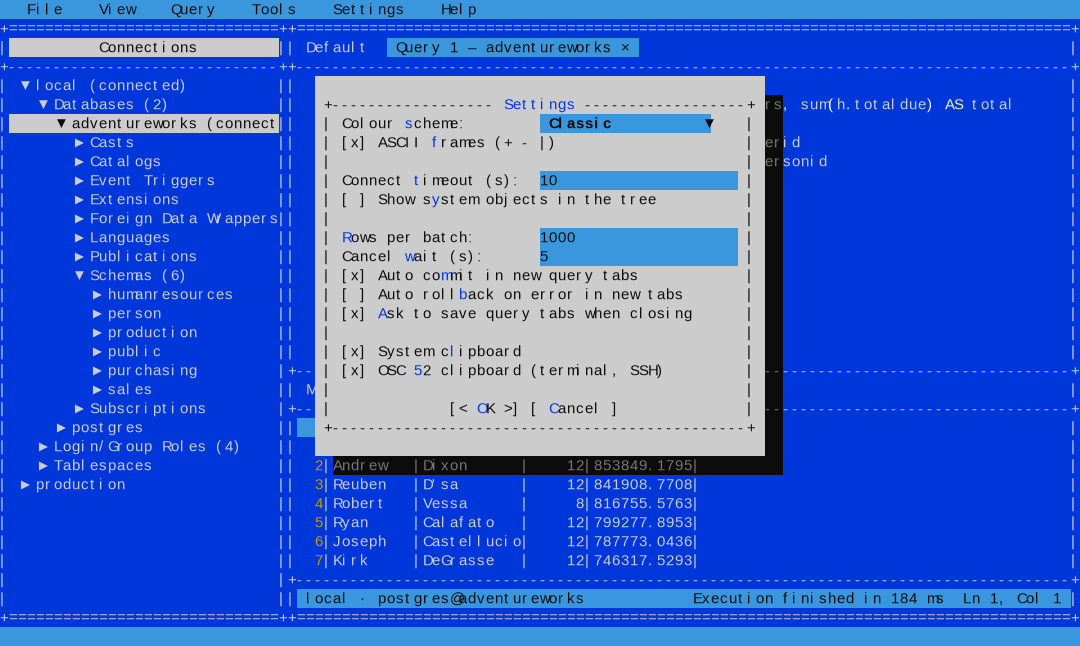
ASCII frames
ASCII frames on.
For terminals or fonts without line-drawing characters: all frames and lines are drawn with + - = |.
If the screen is too garbled to reach the dialog, set ascii_frames = true under [ui] in
settings.toml.
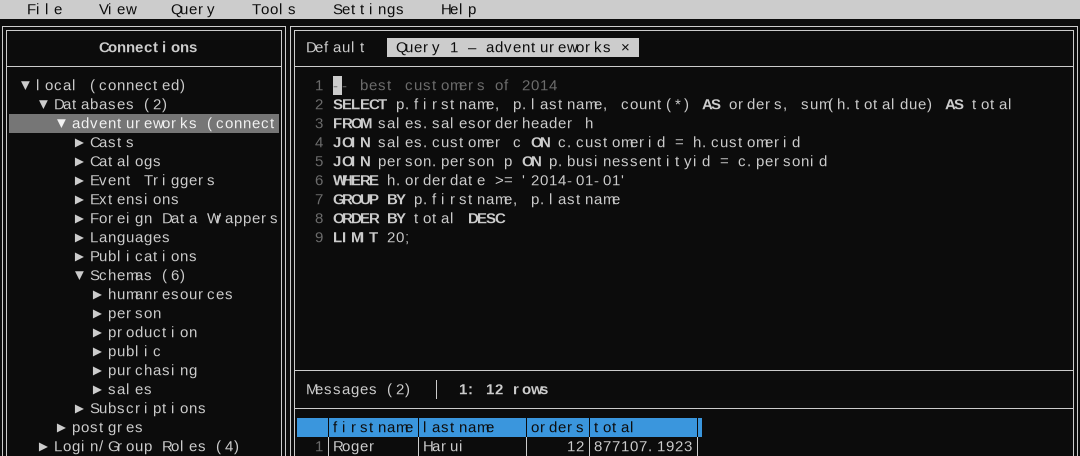
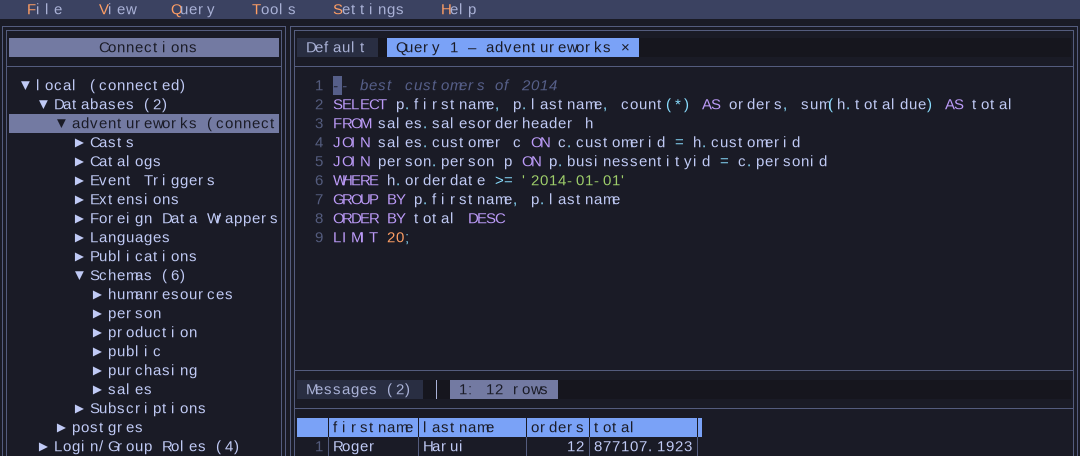
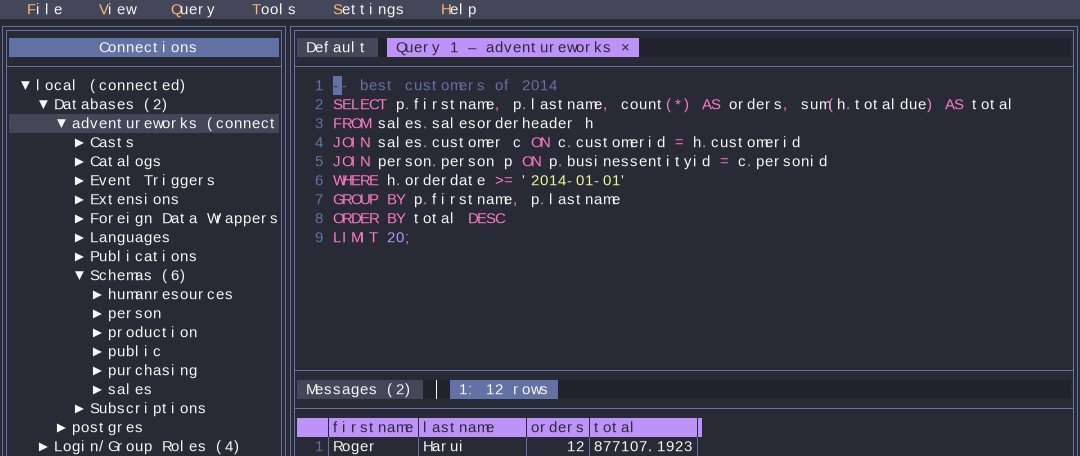
Colour schemes
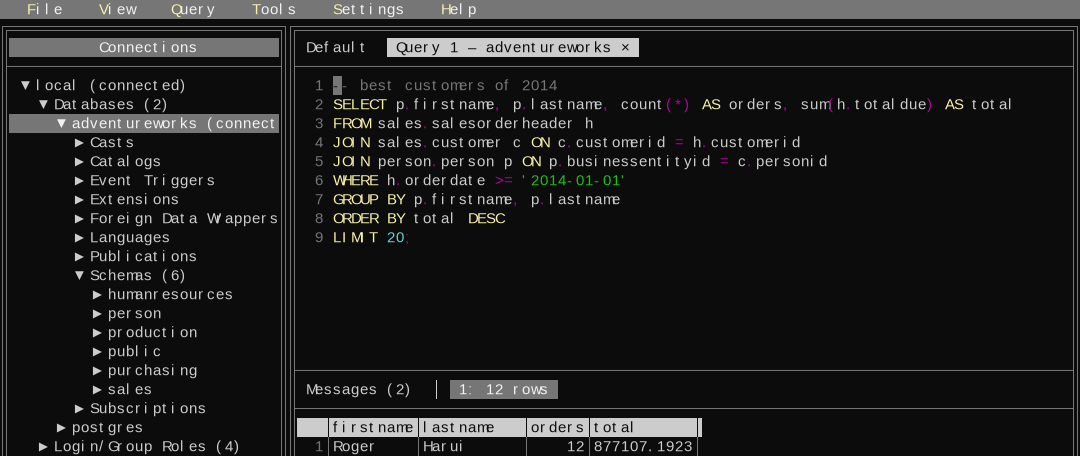
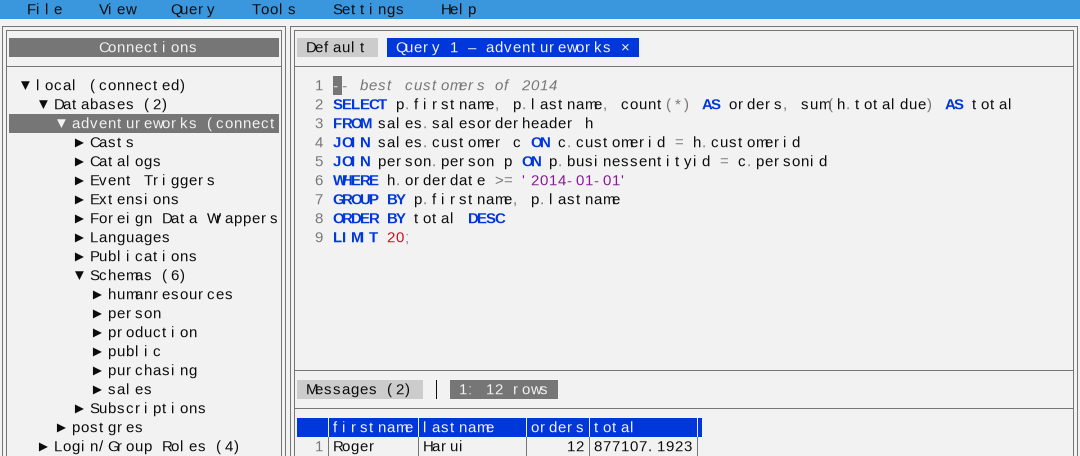
Scheme
Needs
Classic (default), Dark, Light
The 16 basic colours; their exact shades are the terminal's.
Terminal default
The terminal's own background, text colour and 16 colours.
Tokyo Night, Dracula
True colour (24-bit). Wrong or blocky colours: the terminal, the SSH client or screen / tmux does not pass it.
DarkLightTerminal defaultTokyo NightDracula
Your own colour scheme
A .toml file in the themes folder appears in the list after a restart:
Platform
Themes folder
Linux
~/.local/share/pgtc/themes
macOS
~/Library/Application Support/pgtc/themes
Windows
%APPDATA%\pgtc\themes
A scheme lists only what it overrides; the rest is inherited from Classic. The built-in schemes are in the
themes folder of the source code.
name = "Green editor"

[editor]
text        = "lightgreen on black"
keyword     = "white on black bold"
string      = "lightyellow on black"
number      = "lightcyan on black"
comment     = "darkgray on black italic"
selection   = "black on lightgreen"
line_number = "green on black"
An entry is "foreground on background", optionally followed by bold,
dim, italic, underlined, reversed.
Durations from 1 s / from 10 s; warning values of the summary.
Changing keys: keymap.toml
Platform
File
Linux
~/.config/pgtc/keymap.toml
macOS
~/Library/Application Support/pgtc/keymap.toml
Windows
%APPDATA%\pgtc\keymap.toml
pgtc does not create the file and reads it once, at start. The actual path is at the end of
Help → Keyboard shortcuts.
# keymap.toml — only what differs from the built-in keys

[editor]
execute = ["F5", "Ctrl+Enter"]     # two keys for one command
commit = "Alt+C"                   # a command that has no built-in key
rollback = "Alt+R"

[results]
export_result = "Alt+X"

[tree]
quick_search = "Alt+S"             # only this key; Ctrl+S no longer searches
drop_object = []                   # no key at all
A line replaces all built-in keys of that command in that section; to add a key, list both.
A key is looked up in the section of the focused part, then in [global]. A command used in
several parts must be bound in each (execute under [editor] and
[results]).
Command names and their sections: last column of the Keyboard reference.
Section
Focus in…
[global]
any part, unless that part binds the key itself.
[tree]
the object tree.
[editor]
the SQL editor, an object definition, a statement pane.
[results]
the result grid and Messages.
[dashboard], [profiler], [db_stats]
the list of that tab.
[dialog]
dialogs, menus and lists.
Key names
Write
Modifiers
Ctrl, Alt, Shift, joined with +: Ctrl+Shift+Z. Case does not matter.
settings.toml, next to keymap.toml, holds the dialog's values and the saved connections.
With two pgtc open, each writes the whole file; a connection the other one saved meanwhile is taken over, not
lost. For everything else the last save counts.
Settings that exist only in the file:
Section and key
Default
Meaning
[editor]tab_width
4
Display width of a tab character.
[editor]line_numbers
true
[ui]tree_width
a third of the window
Columns; written when the tree's border is dragged.
Edit it only while pgtc is not running: pgtc rewrites it on every change of a setting or connection.
A missing key takes its default; an unknown key is ignored.
[[servers]]: one saved connection each; database
is the maintenance database. Passwords are in .pgpass,
never here.
[ai]: what Settings → AI… saves (AI
assistant) — protocol is openai-compatible or anthropic,
effort one of default, low, medium, high,
xhigh, max; one [[ai.models]] block (id, name)
per model read from the provider. The API key is in the file ai_key next to it.